
Skip to content

Live demos

Don't take our word for it. Click around.

Five complete sample businesses, each with a public website, the staff back office behind it, and AI that works. Everything runs in a sandbox in your browser, so you can't break anything.

No sign-up. AI requests go to our AI service; nothing else leaves your browser.

How the demos work

  1. 1. Browse the website

    See what a customer would see, and fill out the forms.

  2. 2. Flip to the back office

    Your form shows up as a lead. Move it, convert it, manage it.

  3. 3. Run the AI

    Each demo has AI built for that business. Try it on your own words.

  4. 4. Reset anytime

    Everything lives in your browser. Nothing you enter is real.

Construction / general contractor

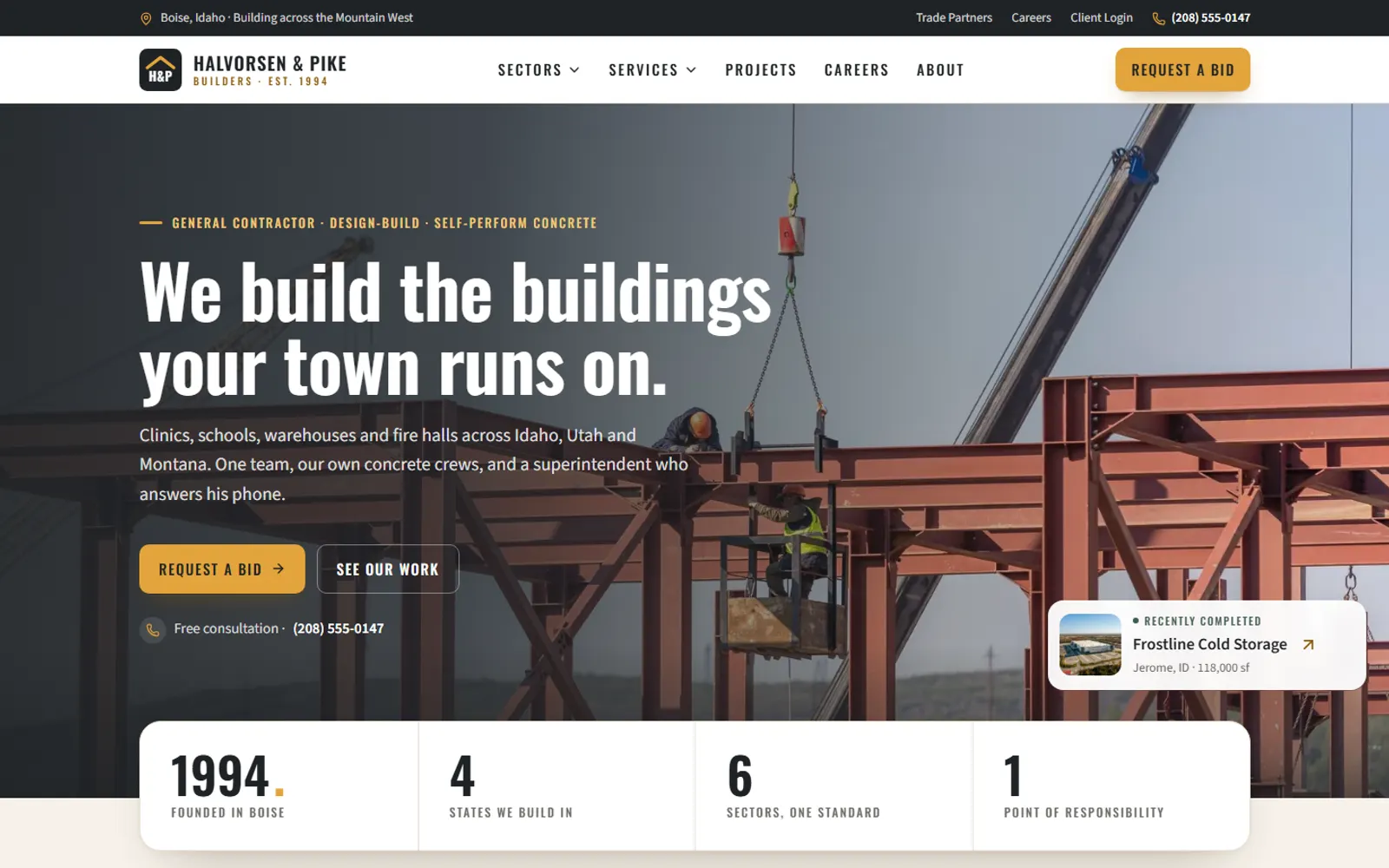
Halvorsen & Pike Builders

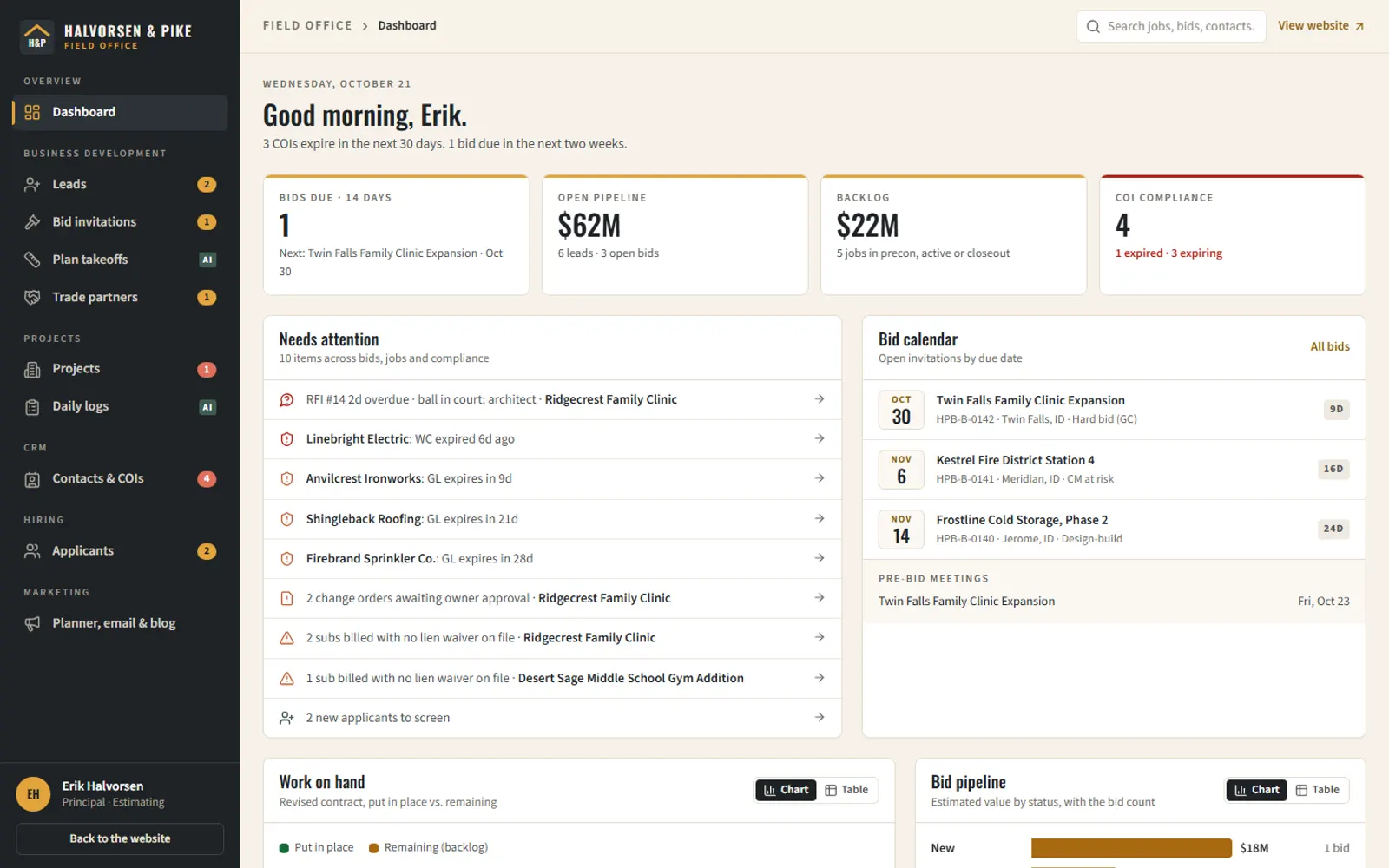
A Boise commercial GC with sector and service pages, a filterable project portfolio, a multi-step request-a-bid with plan upload, careers and sub prequalification. Behind it: leads and bid invitations, contacts with COI and W-9 expiry, and projects with schedules, cost-code budgets, subcontracts with retainage, change orders, RFIs and daily logs. People & HR runs the crews: timesheets by cost code that post to job cost, certified payroll, certifications, hiring, onboarding and safety. Billing runs G702/G703 pay applications, sub pay apps, lien waivers and cash flow.

What's inside

  • Sector pages, project portfolio and request-a-bid with plan upload
  • Careers with an applicant pipeline, trade-partner prequalification
  • Leads and bid invitations fed by the website
  • Projects: schedule, cost-code budget, subcontracts with retainage and lien waivers, change orders, RFIs, submittals, punch and inspections
  • Contacts with insurance (COI) and W-9 expiry alerts

AI you can try

  • Ask the plans: answers from the specs with section citations
  • AI plan takeoff: proposes quantities on the drawings for an estimator to accept, then checks the estimate for scope gaps
  • Daily-log summarizer for owner updates
  • People & HR drafts from the system's own facts: cert-gap training plan, review draft, toolbox talk, write-up, job posting, applicant fit, and a card reader in the crew phone app (each answer is marked live AI or offline sample; people approve every one)
  • Pay app AI: drafts this period's G703 from the schedule, sub billing and daily logs for a PM to accept line by line, a pre-submission check, the cover email, payment reminders, and readers for pasted sub pay apps and lien waivers (rules re-check every read)

Things to try

  1. Request a bid on the website, then open the Back office → Leads
  2. Back office → Bid board: open the clinic takeoff, calibrate a sheet, run the AI first pass, review it, then price it in the estimate, level the bids and print the proposal
  3. Open a project and ask the plans a question
  4. Back office → Sub pay apps: approve Ridgecrest's sub billing (cut one, hold the one missing its waiver) and roll it into pay app #7; open #7, Draft this period with AI, fix the flagged stored glass, sign and submit (over $250k it needs the project executive's approval first); then certify it short and record a partial payment. View as a sub shows the subcontractor portal
  5. People & HR → Certifications: renew Ramon's First Aid and run the Twin Falls gap check; Timesheets: approve Flatwork Crew C and post labor to Riverside's job cost (watch the production and over-budget flags); Hiring: publish the CDL posting, switch to Website → Careers, apply, and watch it land in the pipeline

E-commerce / outdoor gear brand

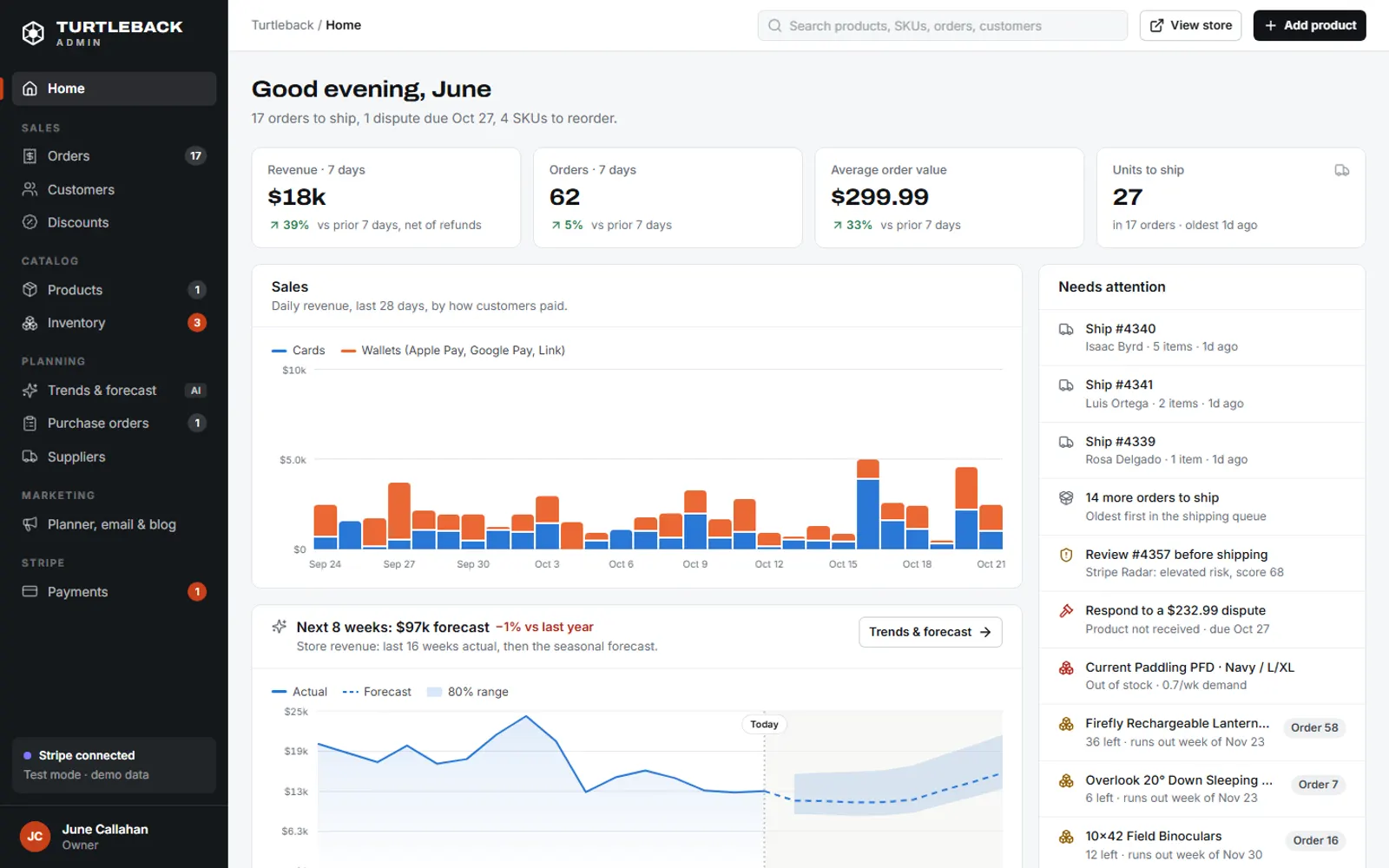
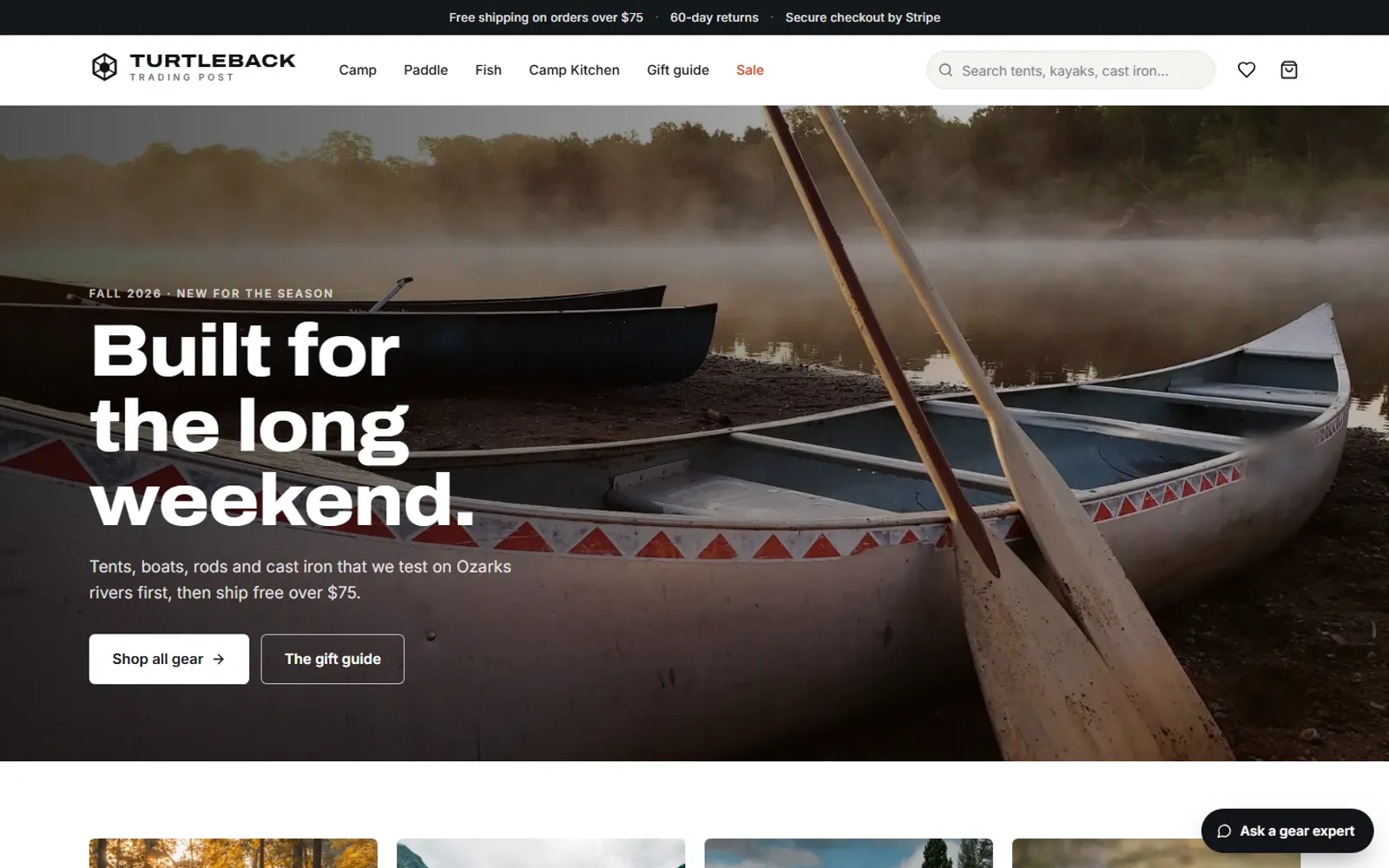
Turtleback Trading Post

An outdoor-gear brand shipping nationwide, with collections and filters, product pages with variants and live stock, a cart, discount codes and a Stripe checkout (cards, Apple Pay, Google Pay, Link, Stripe Tax). Behind it: orders with Stripe payments, refunds, payouts and disputes; products with variants, photos and files; per-SKU inventory with an audit log, purchase orders and suppliers; customers and discounts; and AI trend analysis and demand forecasting that tells the owner what to reorder.

What's inside

  • Collections, product pages with variants and live stock, cart and discount codes
  • Stripe checkout: cards, Apple Pay, Google Pay, Link and Stripe Tax
  • Orders with Stripe payments, refunds, payouts and disputes
  • Per-SKU inventory: committed, available, incoming, reorder points and an audit log
  • Purchase orders, receiving and suppliers; products, customers and discounts with full editing

AI you can try

  • Shopping trends and a 16-week demand forecast that drafts the purchase orders
  • Storefront gear expert that recommends products in stock
  • Product copy and SEO written from the spec sheet

Things to try

  1. Buy something with Stripe test checkout, then find it in Back office → Orders
  2. Back office → Trends & forecast: have AI write the planning brief
  3. Back office → Inventory: create draft POs from the reorder suggestions

Home services / garage doors & glass

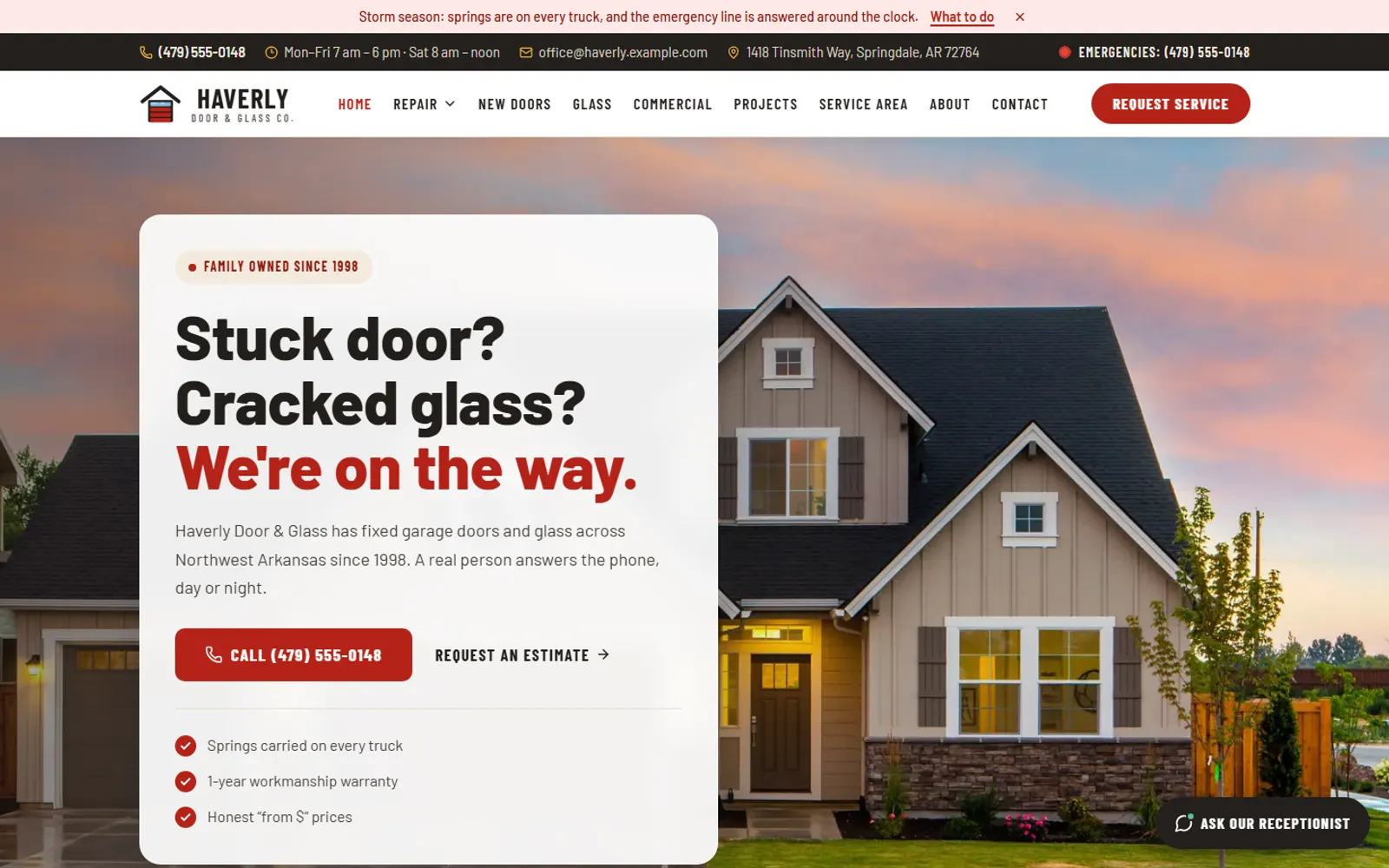
Haverly Door & Glass Co.

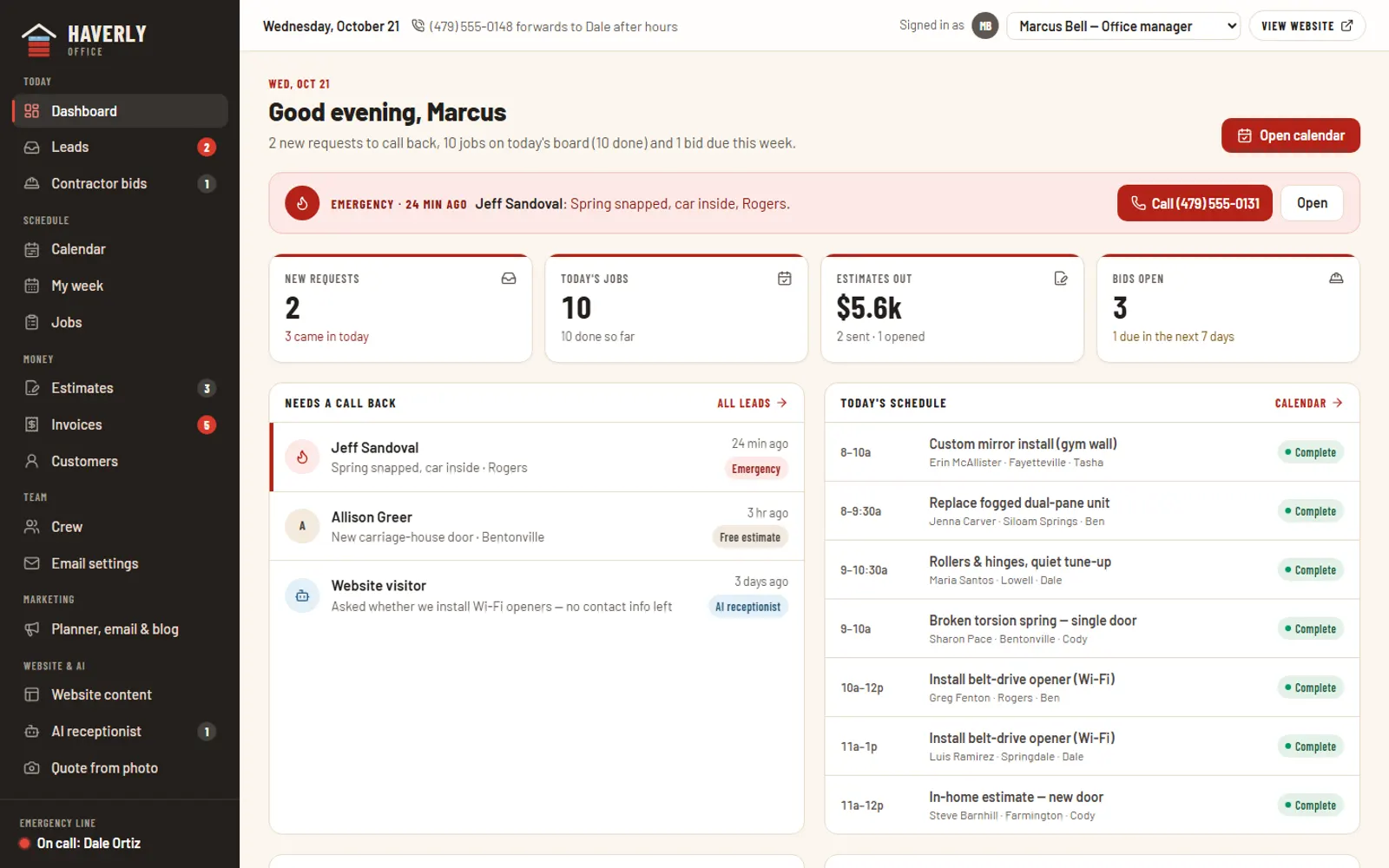
A family-run Northwest Arkansas garage door and glass shop with service and emergency pages, service-area towns, a before/after slider, a lead form on every page, a contractor bid portal and an estimate page customers accept online. Behind it: leads and contractor bids, estimates and invoices, a dispatch calendar and My week, crew, per-person email settings and a website content editor.

What's inside

  • Service, emergency and service-area pages with a lead form on each
  • Contractor bid portal with plan upload
  • Estimates customers accept online, then invoices
  • Dispatch calendar, My week and crew
  • Website content editor and per-person email settings

AI you can try

  • AI receptionist that triages the request and saves the lead
  • Quote drafter: job notes or a photo → itemized estimate

Things to try

  1. Tell the AI receptionist your garage door won't open
  2. Request service, then find the lead in the Back office
  3. Back office → Quote from photo: draft an estimate with AI

Booking & payments / truck, RV & boat storage

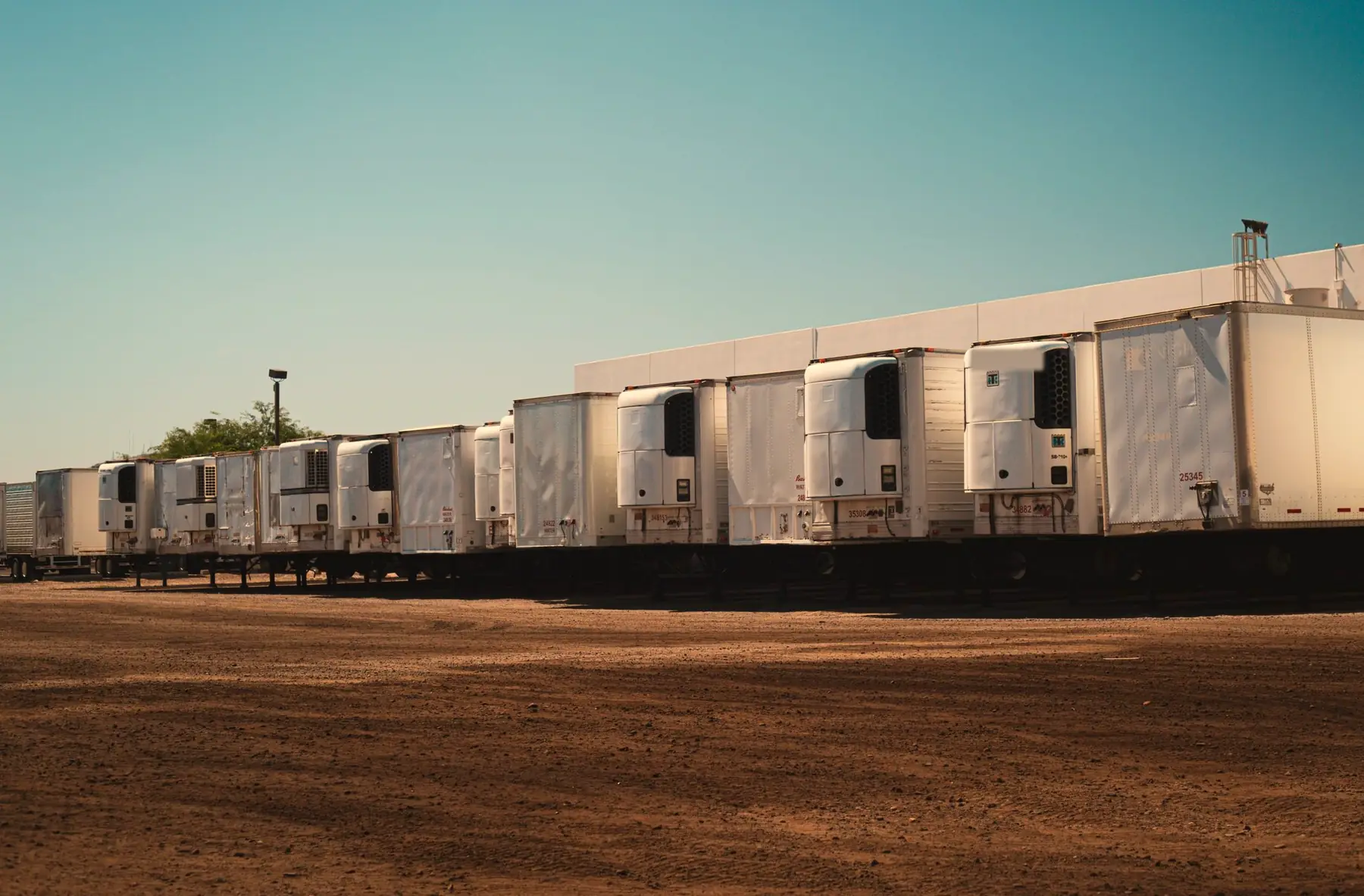
Halfway Haven Truck, RV & Boat Storage

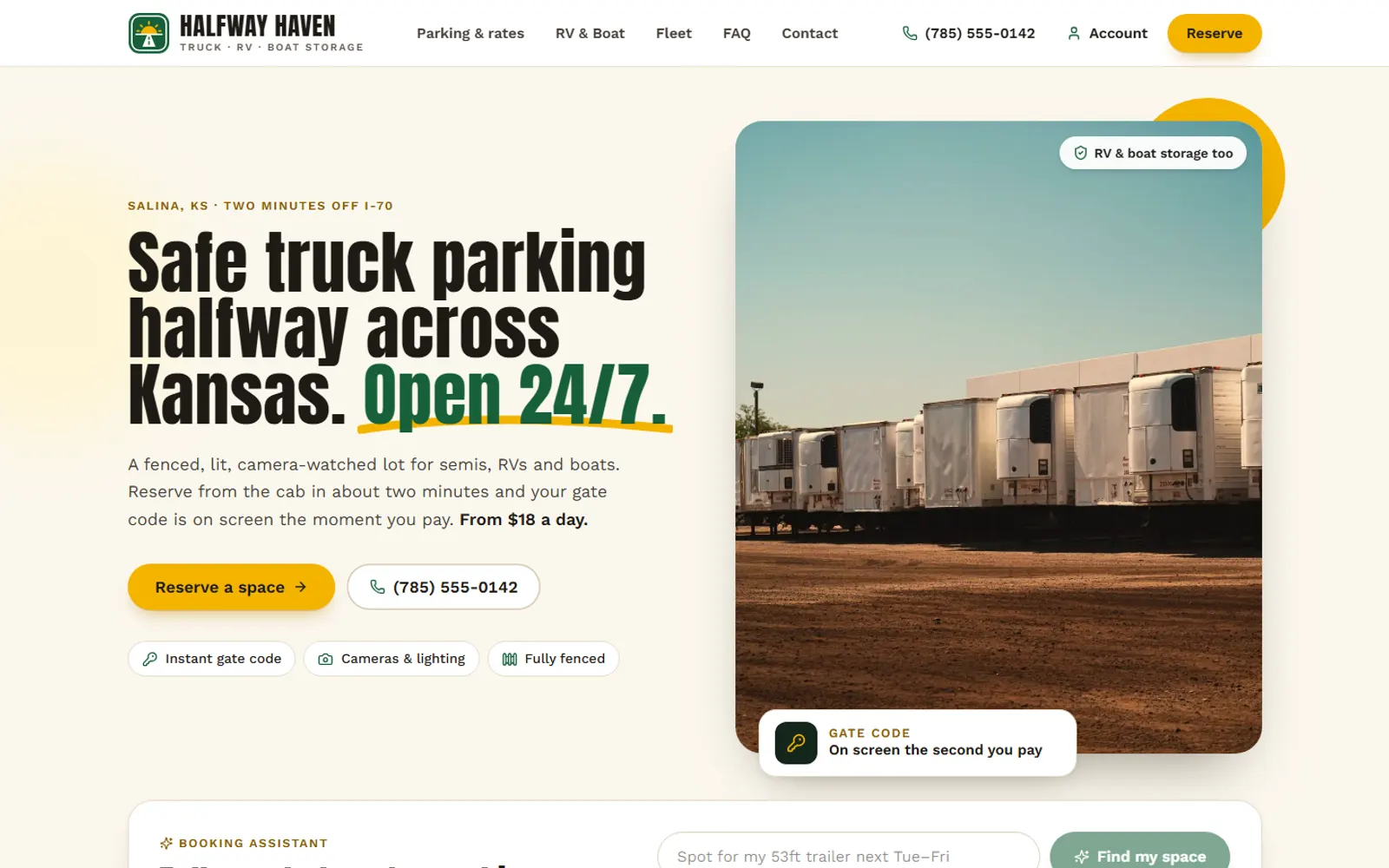
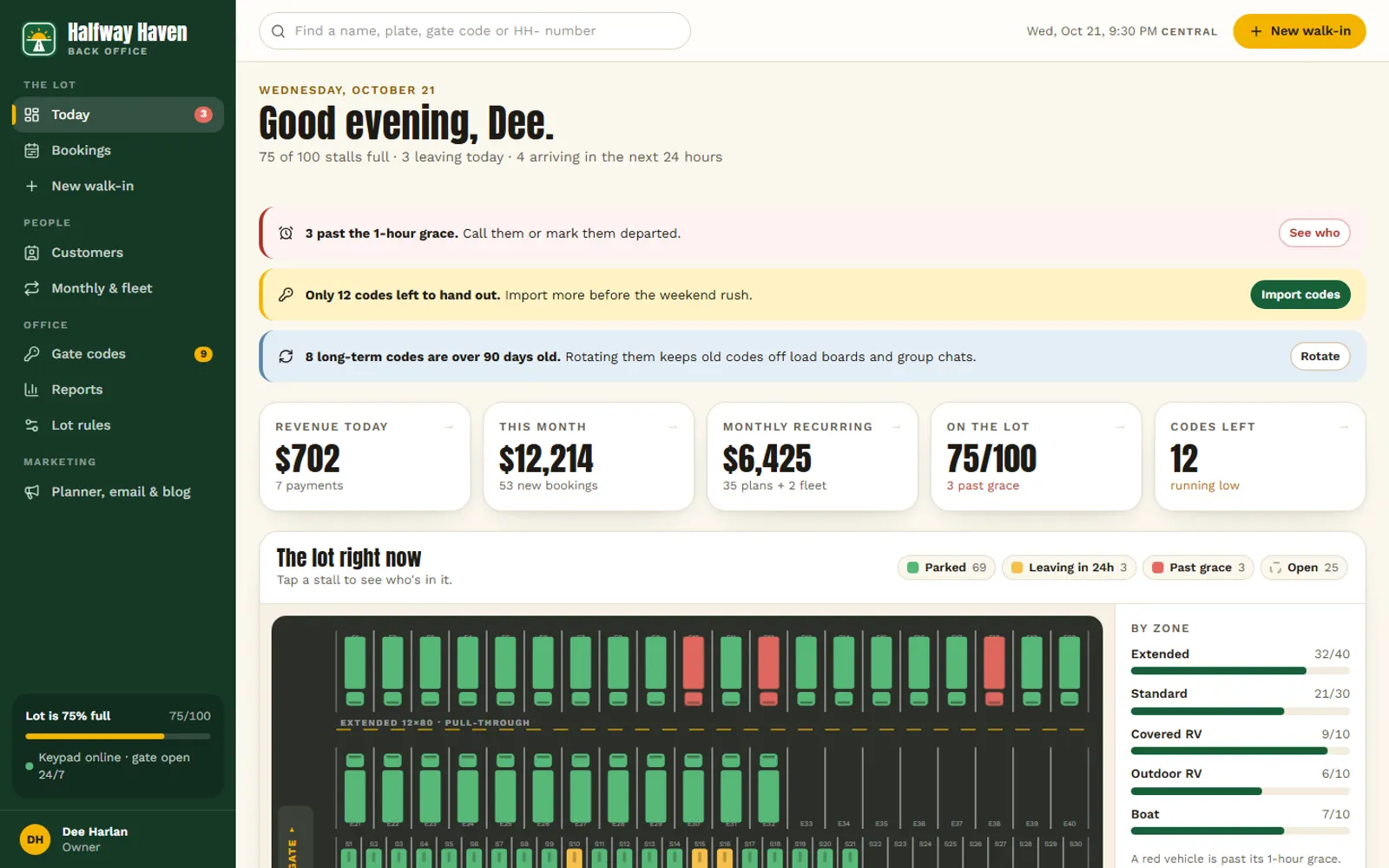
A fenced, lit truck, RV and boat storage lot off I-70 in Salina, Kansas, with a six-step booking wizard (space, plan and dates, details, agreement, demo payment, gate code), fleet accounts and a customer portal to extend, see receipts and manage vehicles. Behind it: who's on the lot now, bookings and walk-ins, customers with lifetime value, a gate-code pool with rotation and an audit log, and revenue reports with scheduled emails.

What's inside

  • Six-step booking wizard with live pricing and a demo checkout
  • Customer portal: extend, receipts, vehicles, cancel
  • On-the-lot-now board, bookings and walk-ins
  • Customers with lifetime value, monthly and fleet accounts
  • Gate-code pool with rotation and an audit log; revenue and MRR reports with scheduled emails

AI you can try

  • Booking assistant: describe what you're parking, get a quote from the real rates
  • Plain-English summary of the revenue report

Things to try

  1. Tell the booking assistant what you're parking and for how long
  2. Reserve a space, then find it in the Back office → Bookings
  3. Back office → Reports: have AI summarize the month

Real estate / CRM + marketing site

Juniper Row Realty

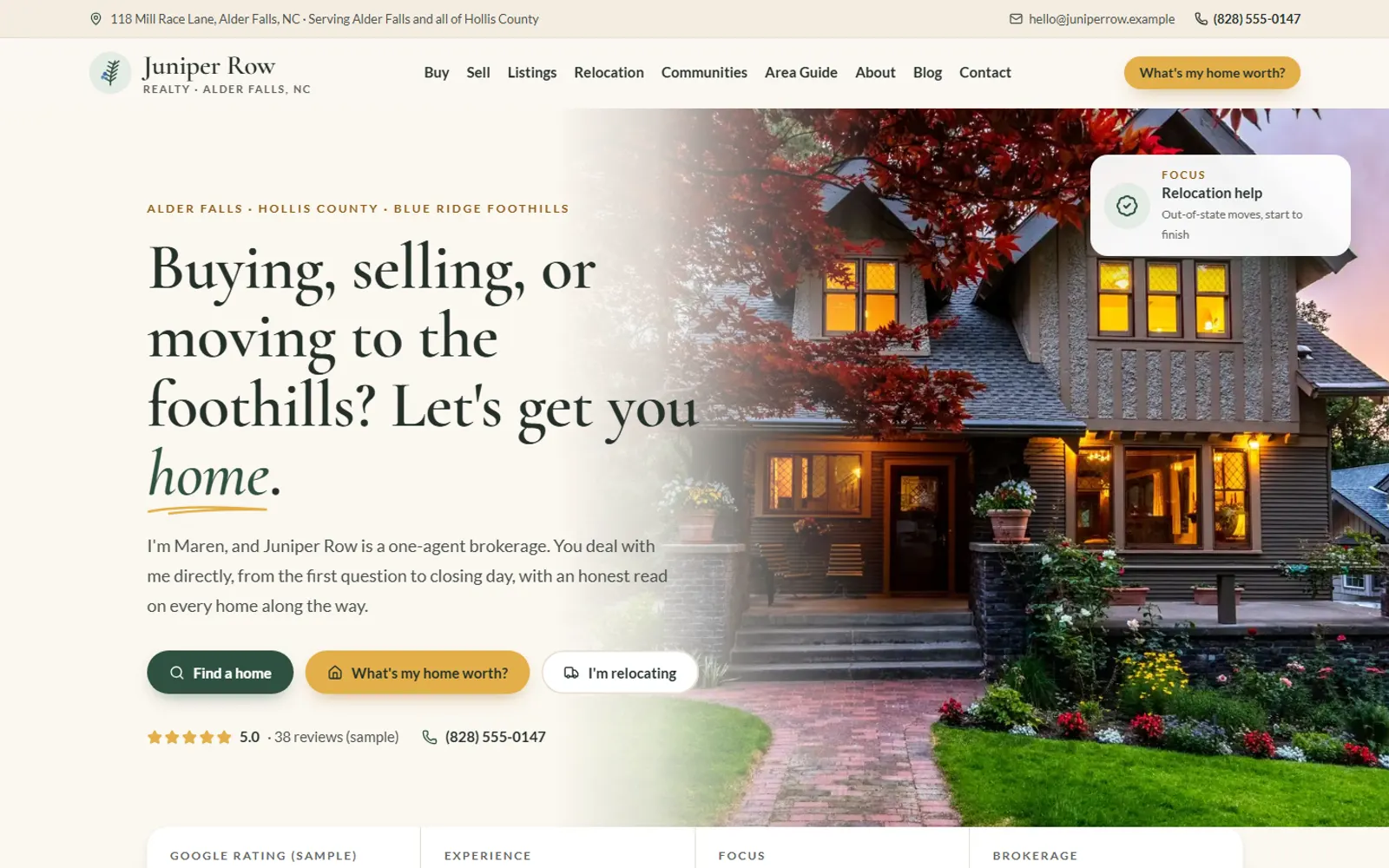
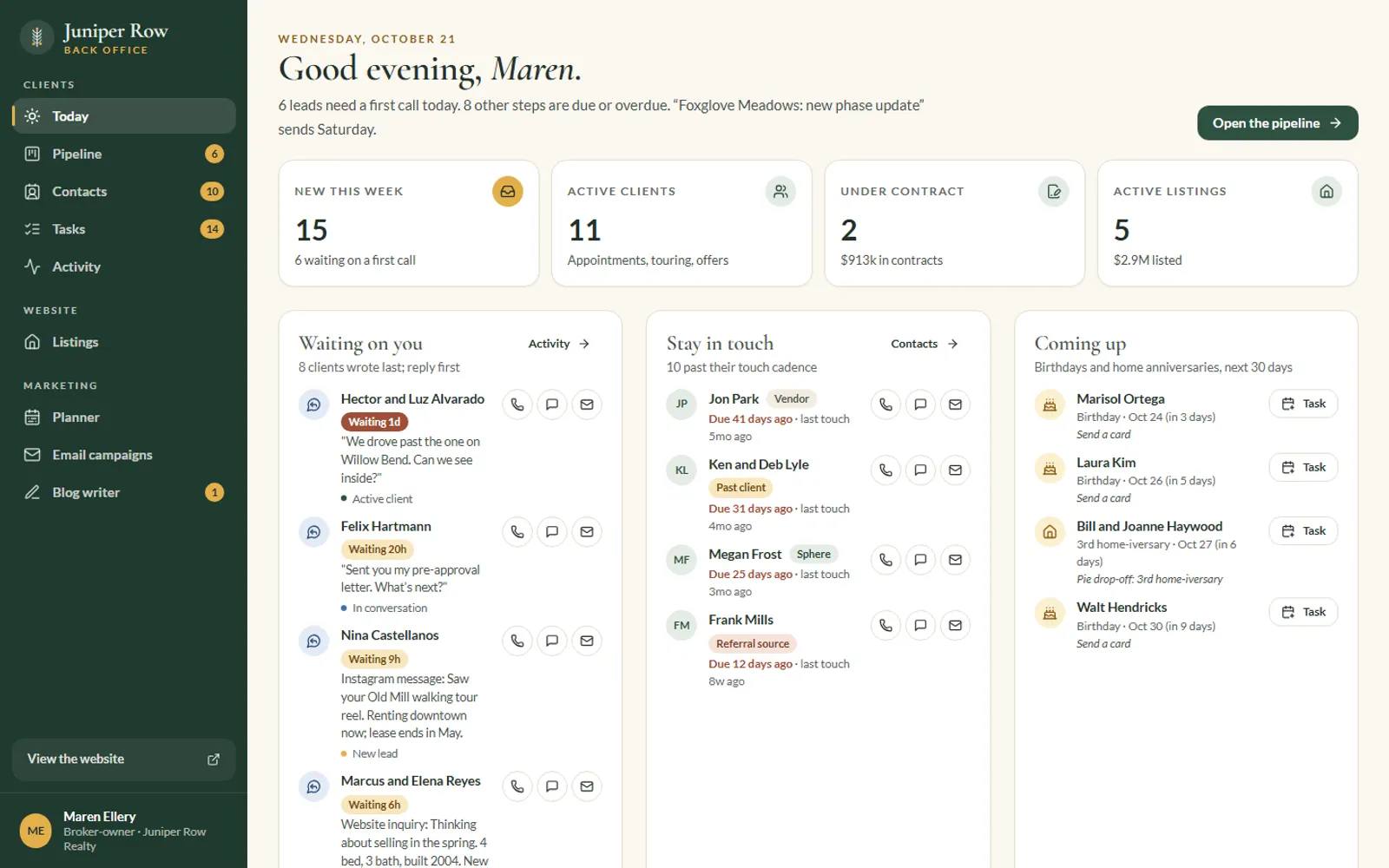
A one-agent brokerage in the North Carolina foothills with listings, communities, an interactive area-guide map with schools and parks layers, a home-valuation form, a relocation guide and a blog with callouts. Behind it: a full CRM (a visual pipeline you can view as a board, a flow or a table, with drag-and-drop, deal values and expected commission, stage checklists, client records with every call, text and showing logged, and a contacts database that tracks who's due for a touch, birthdays and home anniversaries), plus a blog writer, a marketing planner and email campaigns.

What's inside

  • Listings, communities and an interactive area-guide map
  • Home valuation, relocation guide and blog with callouts
  • Visual pipeline: board, flow and table views with drag-and-drop, deal values and stage checklists
  • Client records with every touch logged, plus contacts with touch cadence, birthdays and home anniversaries
  • Blog writer whose publish switch updates the website

AI you can try

  • Blog writer: topic → outline and draft
  • Listing description writer
  • Social posts and video scripts for the marketing plan

Things to try

  1. Back office → Contacts: see who's due for a touch and log one
  2. Request a home valuation, then find it on the Pipeline and drag it a stage forward
  3. Marketing planner: generate posts for the week

60-second quiz

Not sure which demo is closest to you?

Tap through four quick questions and we'll point you to a recommendation, what your current software costs you, and a demo to try.

  • Four taps
  • Instant recommendation

Real builds, too

These are samples. Our client builds are real.

The demos are modeled on systems we've shipped for contractors, retailers, service companies and a REALTOR®.

Saw something you'd use tomorrow?

Every demo is a starting point. We shape the real one around your services, your process and your data.

  • Our whole team works in the U.S.
  • Veteran-owned
  • Your data is stored in U.S. data centers
  • Custom code, built for your business
See how we work